WeWorked feature guide
Timesheets and Time Clock
Choose to enter time on a timesheet by duration or by clocking in and out of a time clock. You can even mix it up.
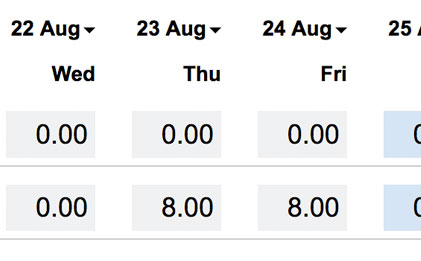
Enter duration on a timesheet
Your organization may only need to capture timesheets at a high level. Entering the duration is perfect. Simply enter the total hours worked for a task and you are done.
Time Clock (Clock In and Out)
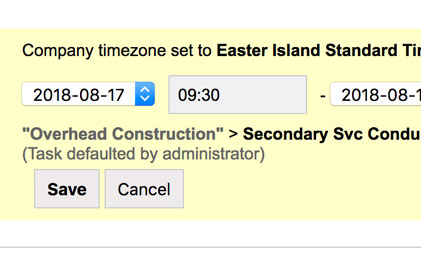
You may need to track the actual start and end times that a person works on a task. For this, we have a digital clock in and out timecard.
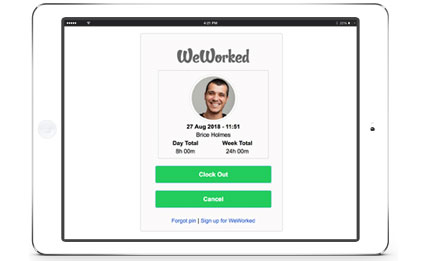
Setup a tablet or a computer in an office and allow staff to clock in and out electronically. You can even configure it so people can clock in and out from anywhere.
Enter duration and clock in and out
You are not limited to just one type of timecard. One day you can clock in and out and the next you can choose to simply enter the duration of time worked.
WeWorked is all about flexibility. WeWorked can definitely support your timesheet needs.